New Feature: DA-Desk Reporting Dashboard
The DA-Desk Dashboard gives you a complete, real-time view of your port disbursement operations. It unifies financial and operational data into one place so you can monitor performance, spot delays early, and make faster, better decisions.
What You Can Do with the Dashboard
• Gain transparency on operational and financial performance
• Identify delays and act before they escalate
• Benchmark agents, ports, and teams with factual data
• Support budgeting, negotiations, and compliance reviews
• Reduce manual tracking through self-serve insights and exports
Each built-in report answers a specific operational or financial question, helping teams focus on action rather than data gathering.
Overview of Available Reports
Operational Visibility
DA Timelines
Track aging, approval stages, and benchmark agent and operator performance.
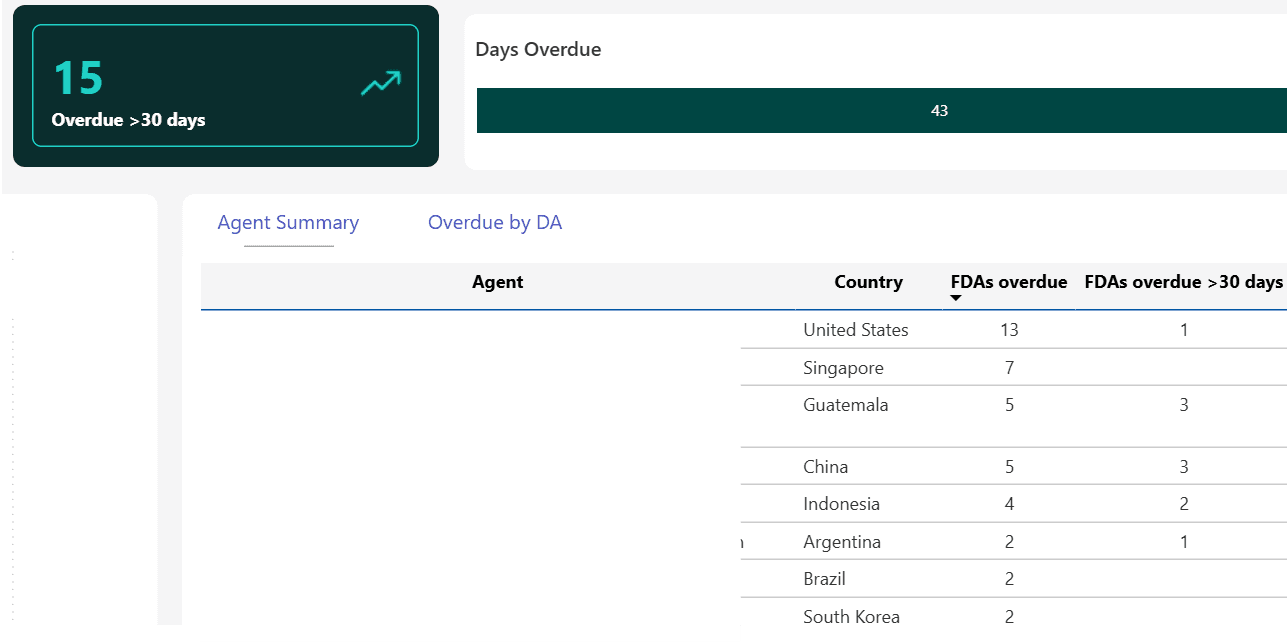
FDAs Overdue
See which Final DAs are overdue, identify patterns, and prioritise follow-ups.
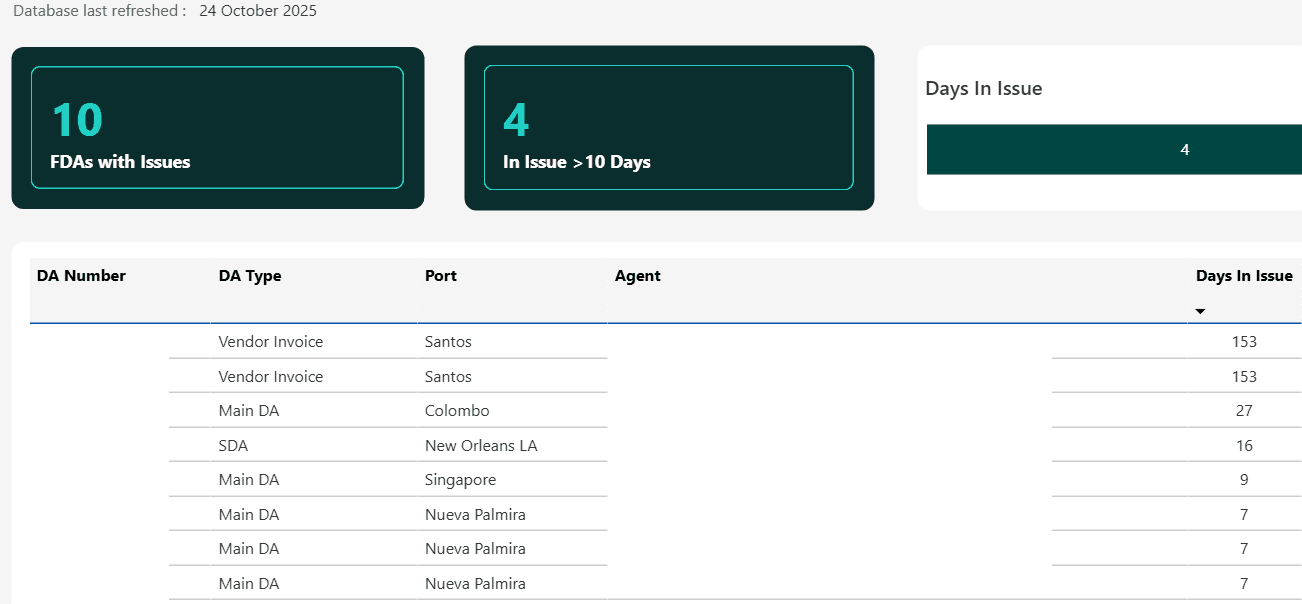
FDAs Under Resolution
Monitor DAs waiting on issue resolution, review comments, and identify required actions.
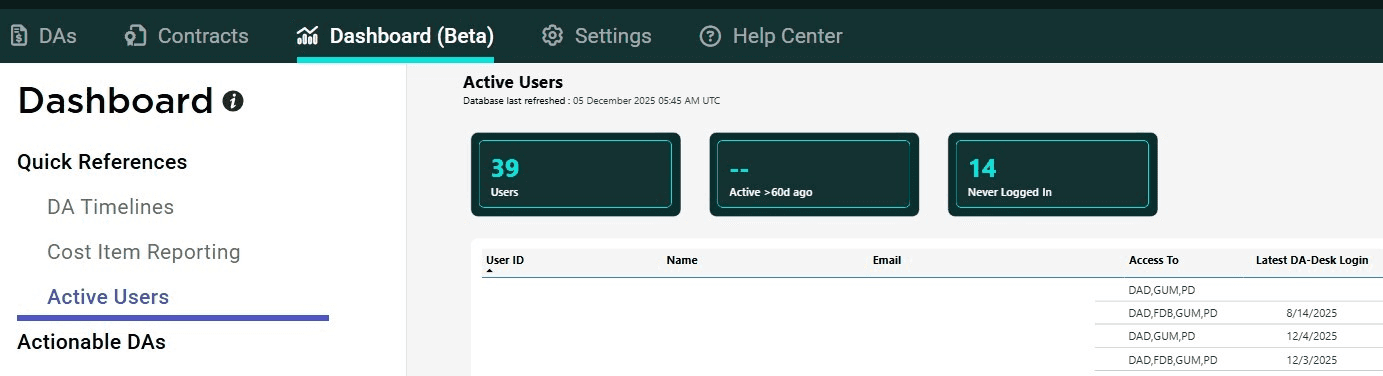
Active Users
View all users, their permissions, last logins, and approval roles to maintain audit and access control.
Financial Insights
Cost Item Reporting
Analyse cost items such as port dues, towage, and pilotage. Identify trends, variances, and negotiation opportunities.

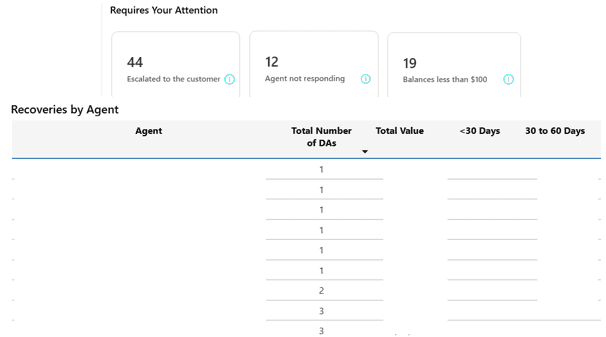
DA Balance Recoveries
Track outstanding balances, understand aging, and see where DA-Desk or your team must take action.
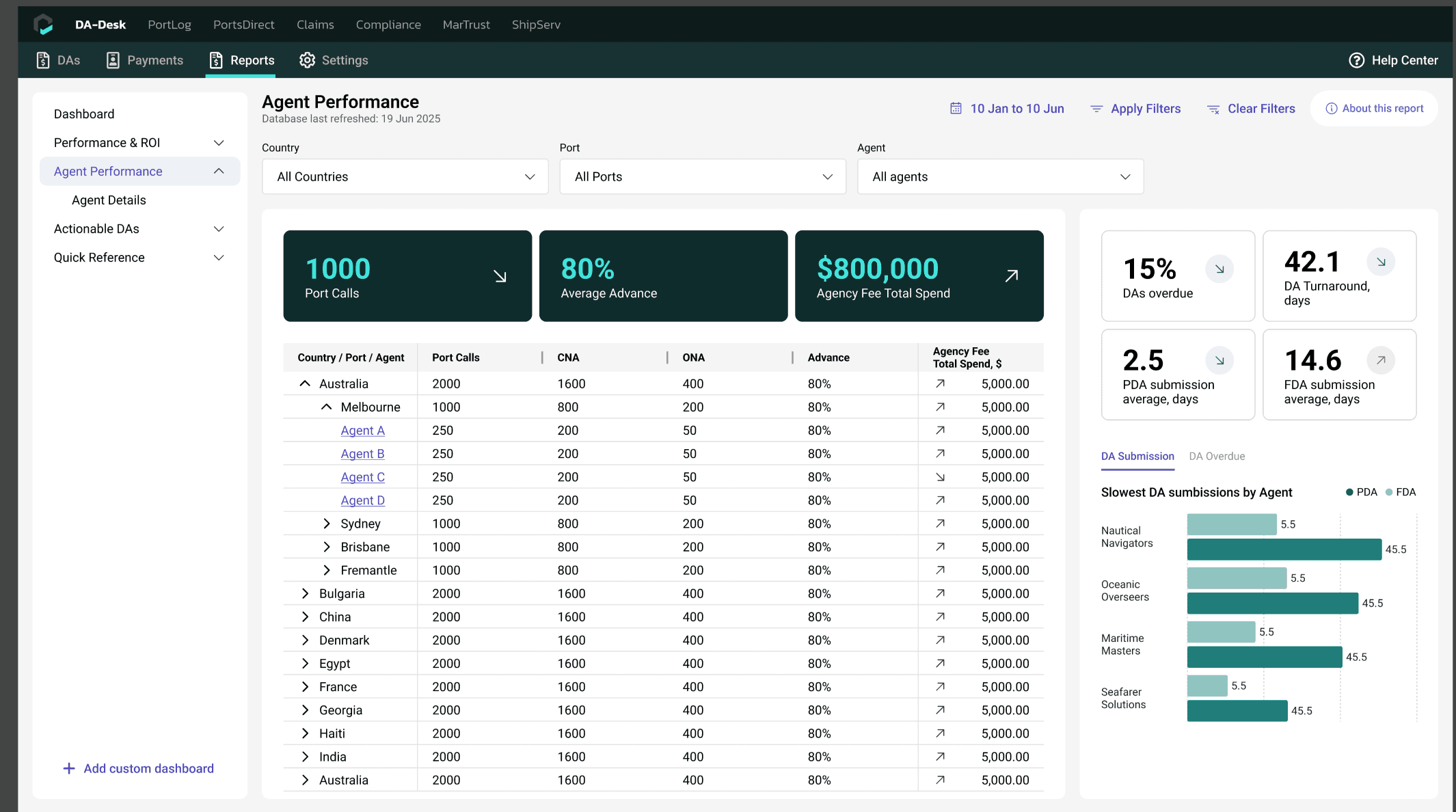
Agent Performance
Agent Performance Reporting
Compare agents on turnaround times, PDA/FDA lead times, overfunding levels, and prefunding percentages. Filter by port, country, activity, vessel type, and more.
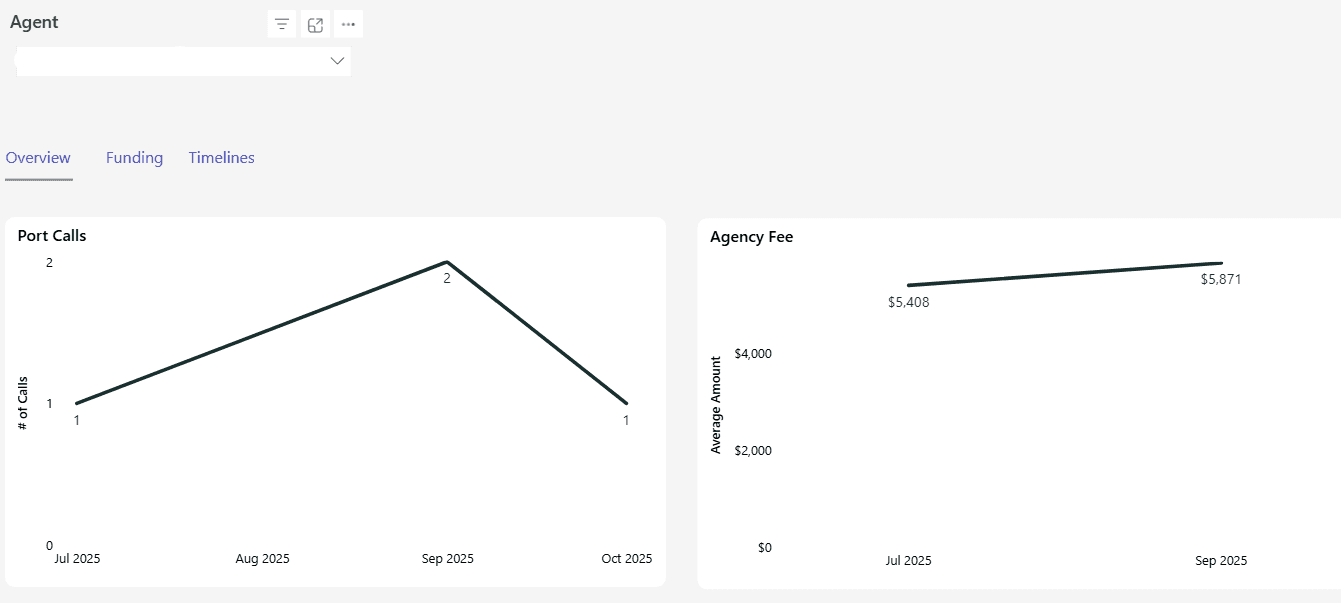
Agent Details
Review call volumes, agency fees, prefunding percentages, and detailed turnaround metrics.
Quick References
The dashboard also includes quick-access views for:
• DA Timelines
• Cost Items
• Active Users
• Active Vessels
Downloads and Exports
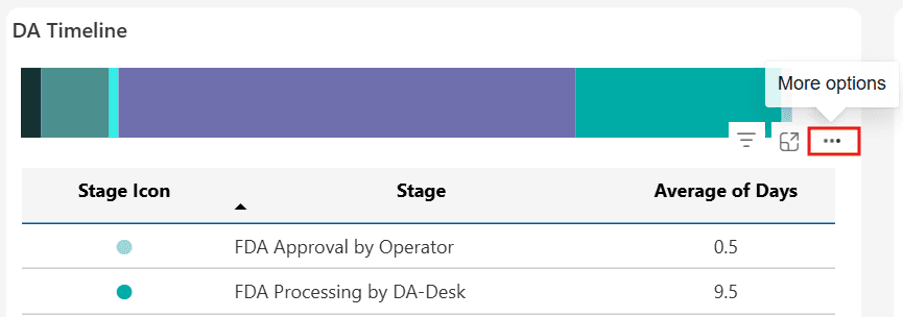
Every report can be downloaded or exported directly by selecting the three dots on the report header.
To learn more about this update, please log into DA-Desk and read our Help Article.