Activate your MarTrust Account
Follow this guide on how to get your account set up
Check your email
Your employer has registered you for the MarTrust Account and Debit MasterCard.
You will receive an email to activate your account
Select the “Finish your account setup” button
You will be directed to the webpage to activate your MarTrust Account
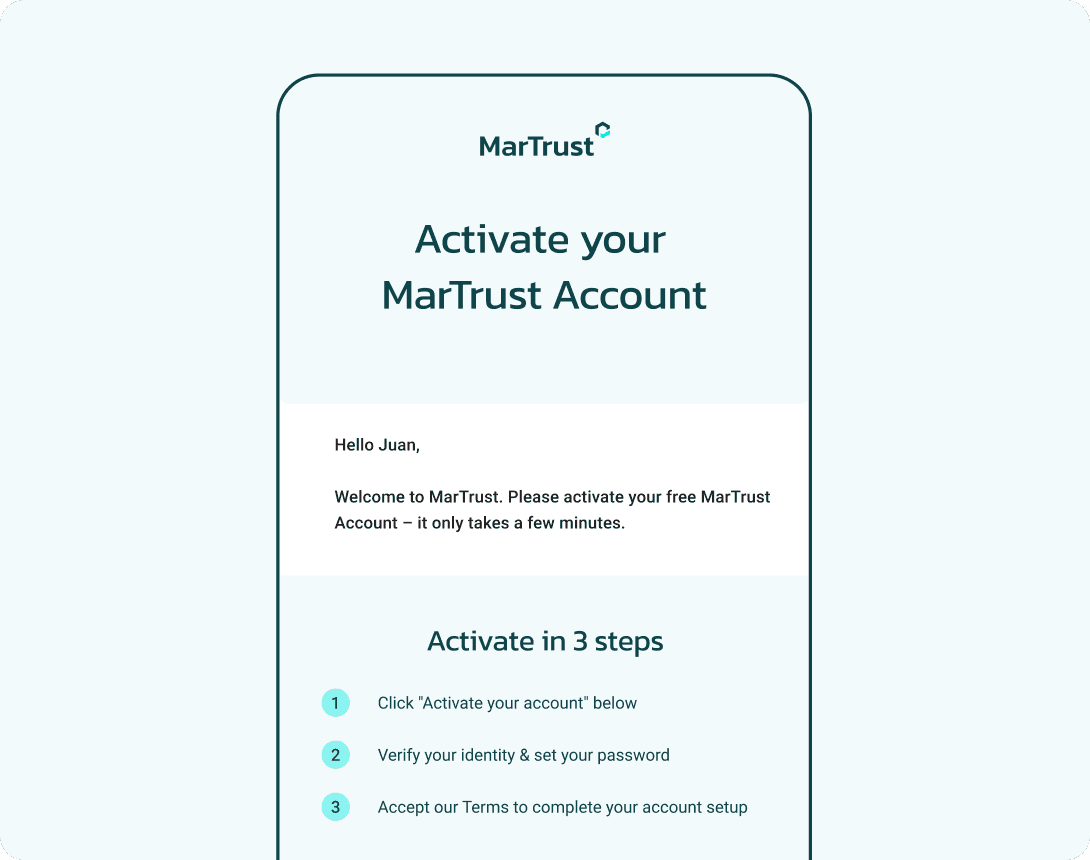
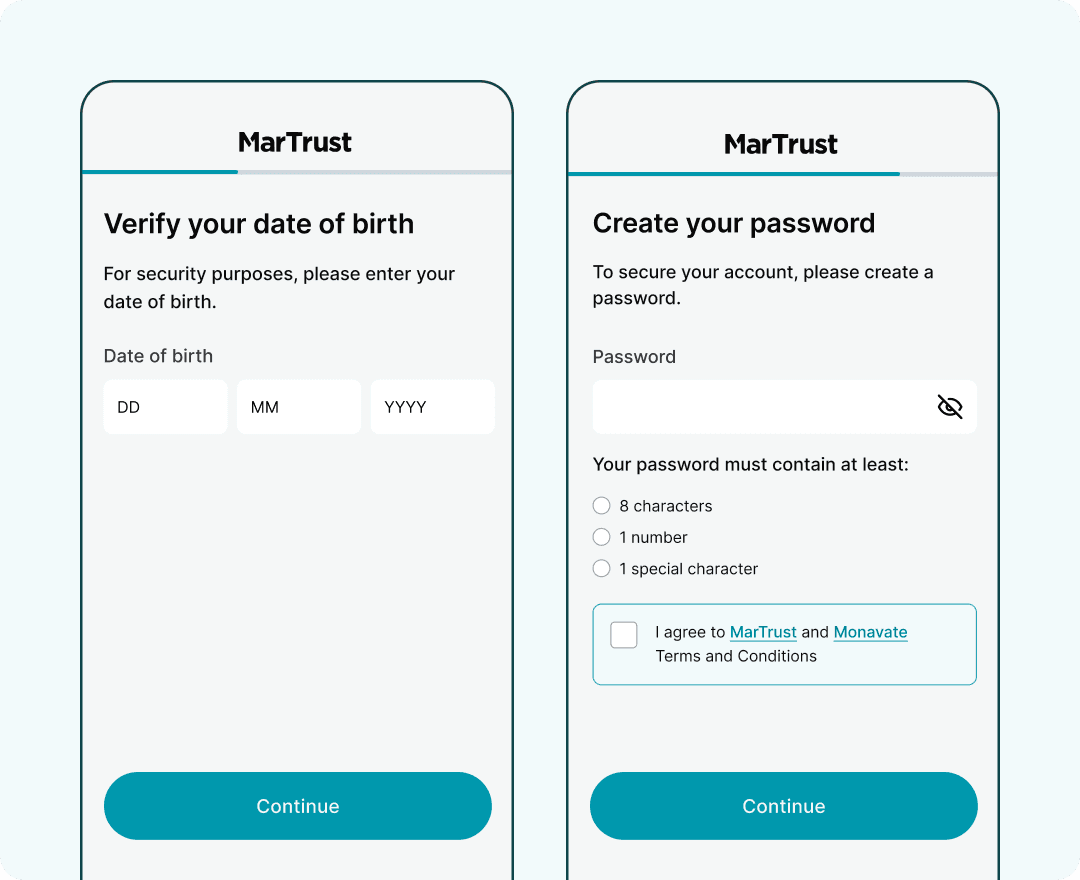
Verify your details
Verify your date of birth
Create a password for your MarTrust Account
Please ensure your password is at least eight characters long and contains one number and one special character
Your MarTrust Account dashboard
Once your details have been confirmed, you will be directed to your dashboard.
The default currency for your MarTrust account is United States Dollars (USD)
You can also hold Euros (EUR) and Pound Sterling (GBP) in your account, and easily switch between currency accounts in your dashboard

Exchange and send money
Get paid to your MarTrust Account
Send money to local and international banks
Exchange currencies at competitive exchange rates, from 1%