启用您的卡片
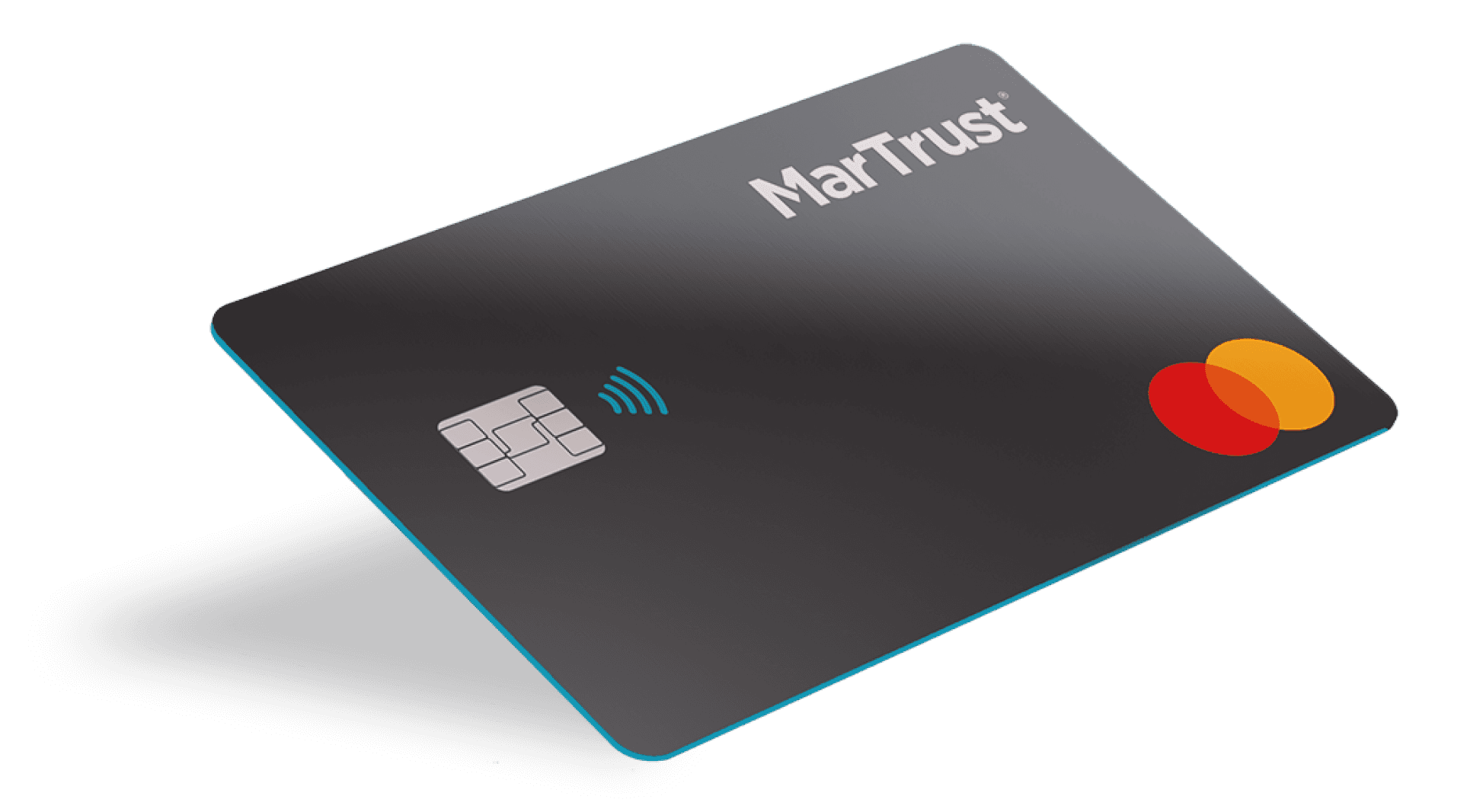
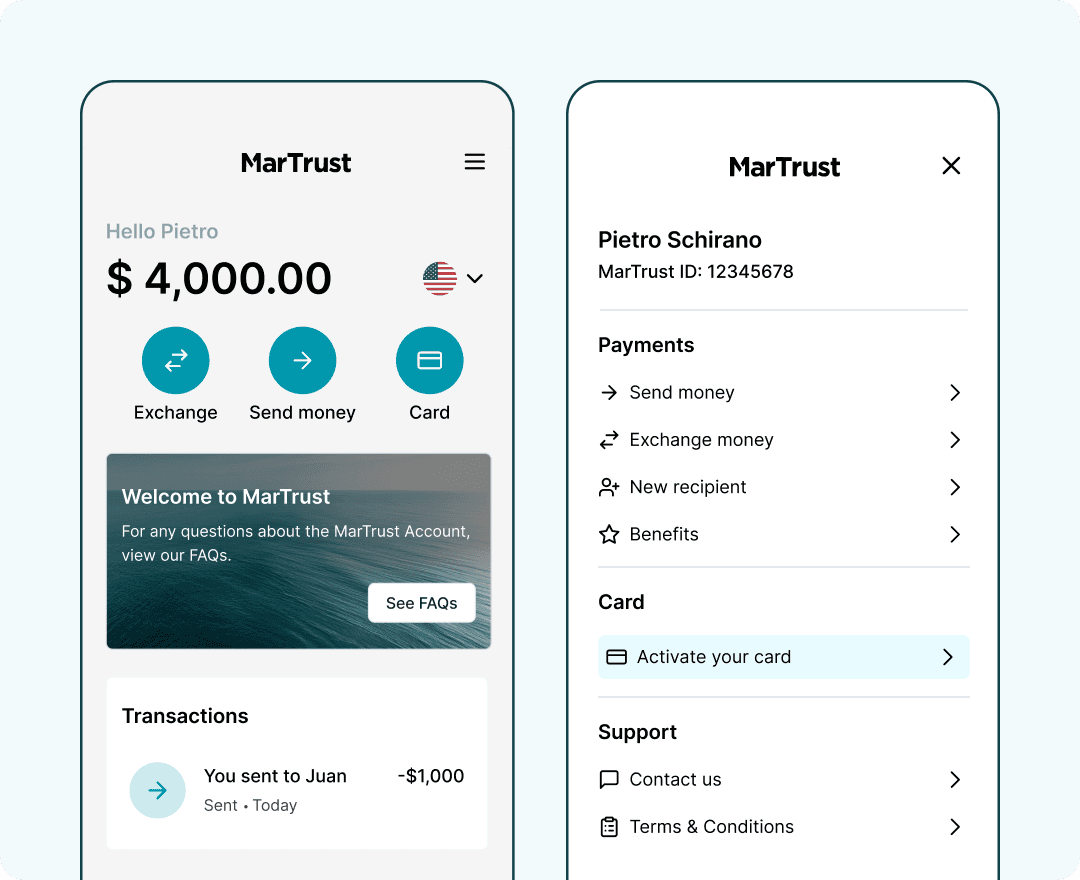
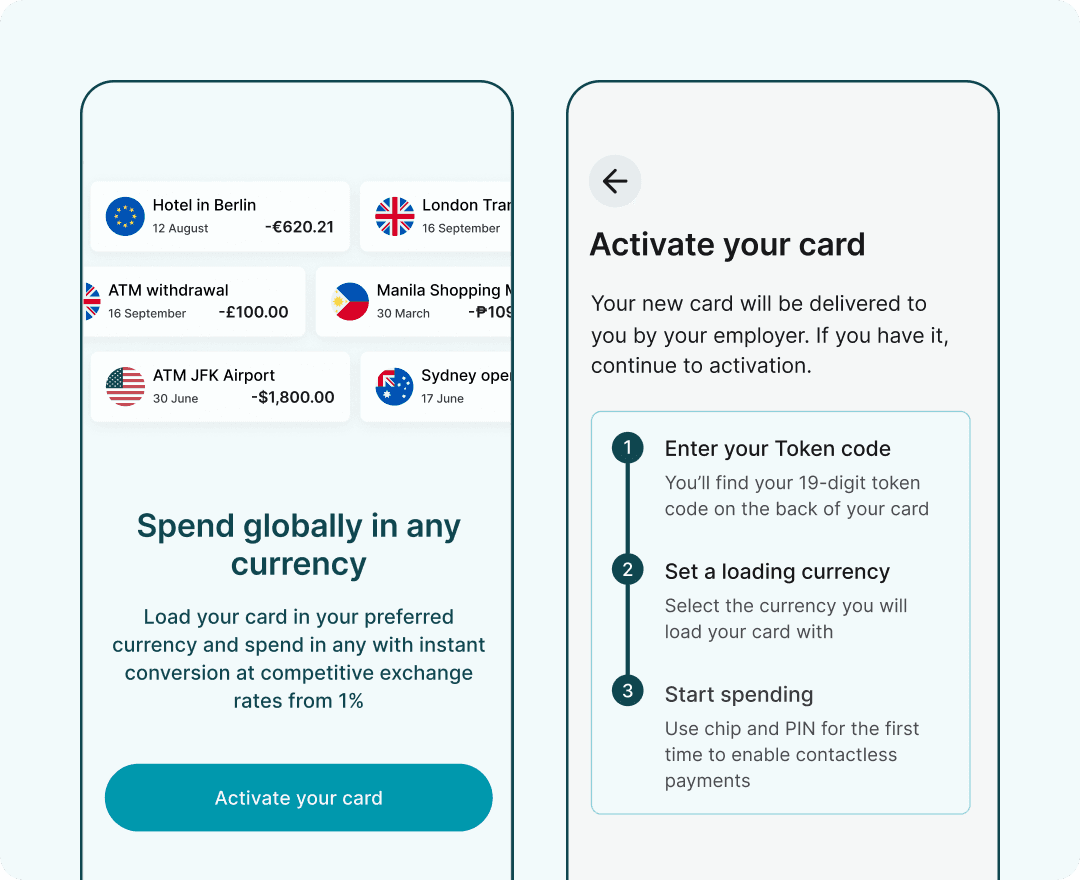
u60a8u7684 MarTrust Debit Mastercard u5c06u7531u60a8u7684u96c7u4e3bu9012u9001u7ed9u60a8u3002u6536u5230u5361u7247u540eu3002u60a8u53efu4ee5u901au8fc7u8d26u6237u63a7u5236u9762u677fu8fdbu884cu6fc0u6d3bu3002
u5728u63a7u5236u9762u677fu4e0au9009u62e9u201cu5361u7247u201du6309u94aeuff0cu6216u4eceu4fa7u8fb9u83dcu5355u4e2du9005u62e9u201cu6fc0u6d3bu60a8u7684u5361u7247u201duff02u4ee5u542fu52a8u6fc0u6d3bu6d41u7a0bu3002
u5982u679cu60a8u5c1au672au6536u5230 MarTrust Debit Mastercarduff0cu8bf7u8054u7cfbu60a8u7684u96c7u4e3bu8fdbu884cu7533u9816u3002
启动激活程序
在您收到 MarTrust 万事达借记卡后,即可开始激活流程。您需要提供卡片背面的 Token 验证码以启动激活。
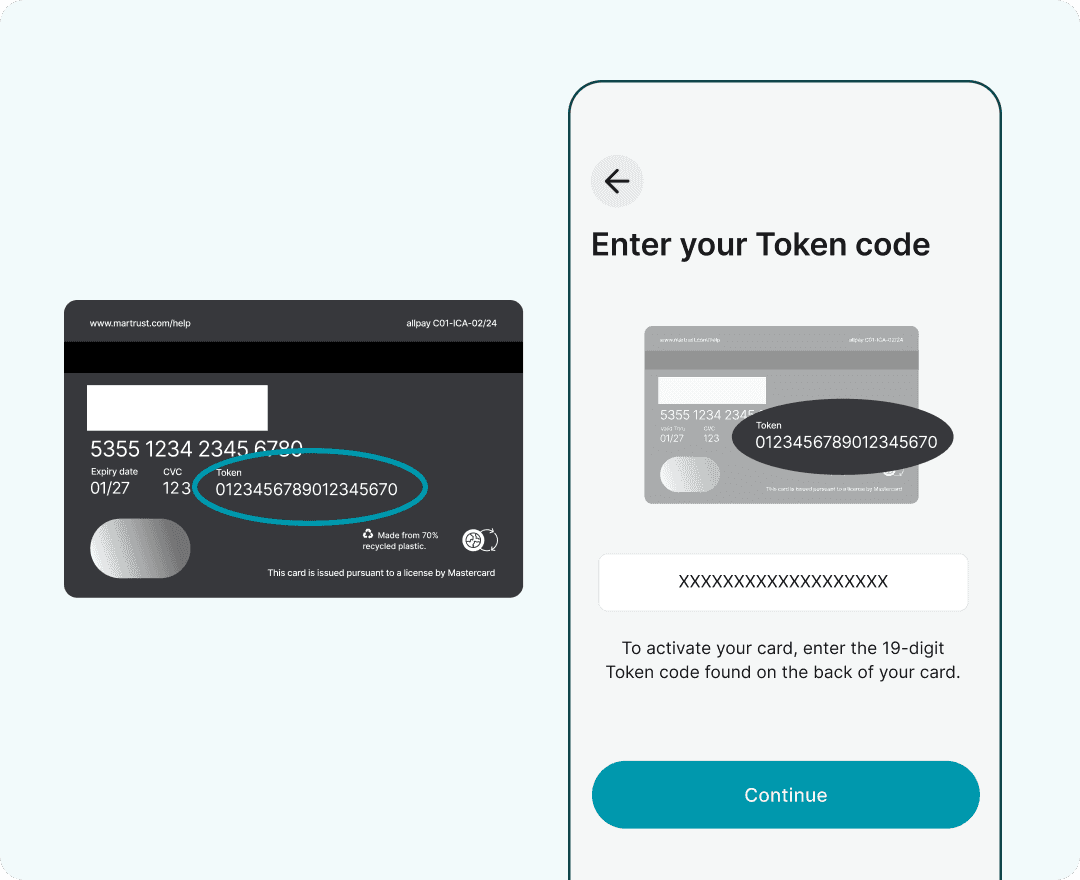
请输入您的银行卡 Token 验证码
请输入您卡片背面印刷的19位激活码(Token),然后选择“继续”以激活您的卡片。
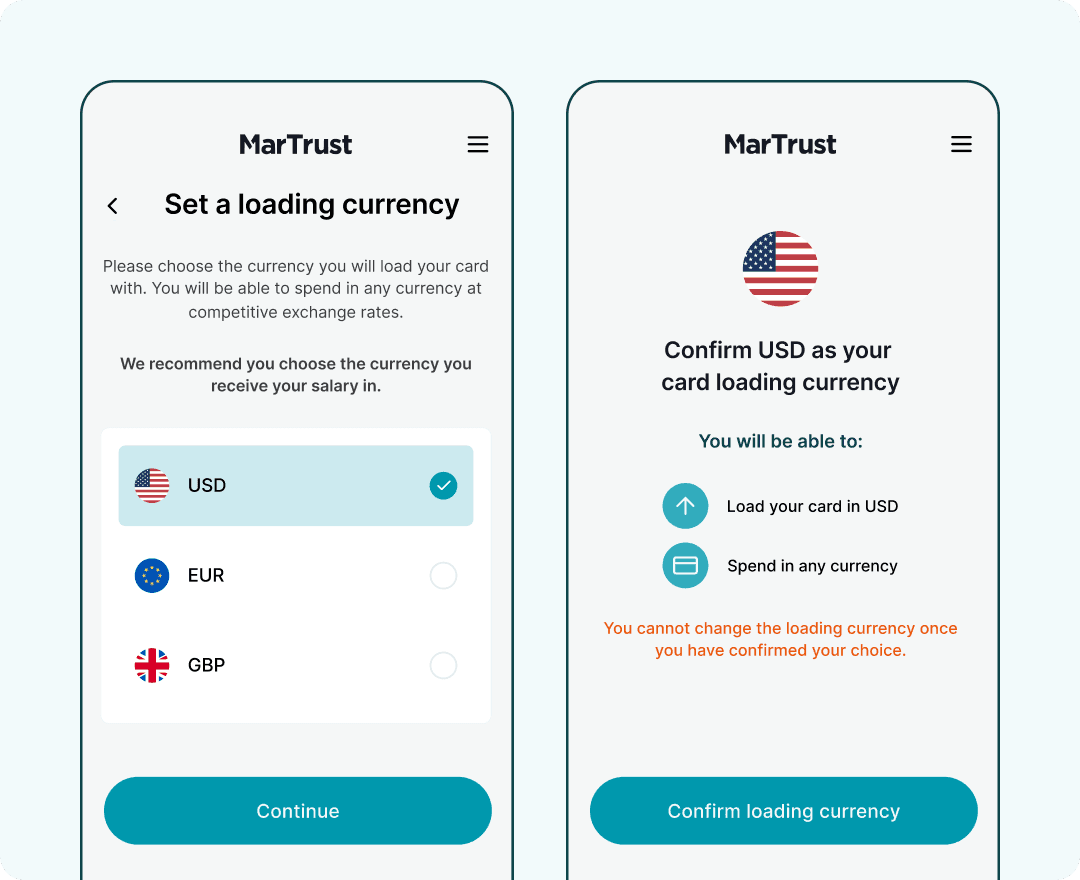
设置您的卡片充值币种
您的 MarTrust 万事达借记卡可支持单一货币,即美元(USD)、欧元(EUR)或英镑(GBP)。您可以使用任何货币进行消费,并享受低至 1% 的极具竞争力的即时汇率折算。
请选择您借记卡内持有的货币。我们建议您选择接收工资金额的相应货币。
一旦确认选择,您将无法更改借记卡的充值货币。
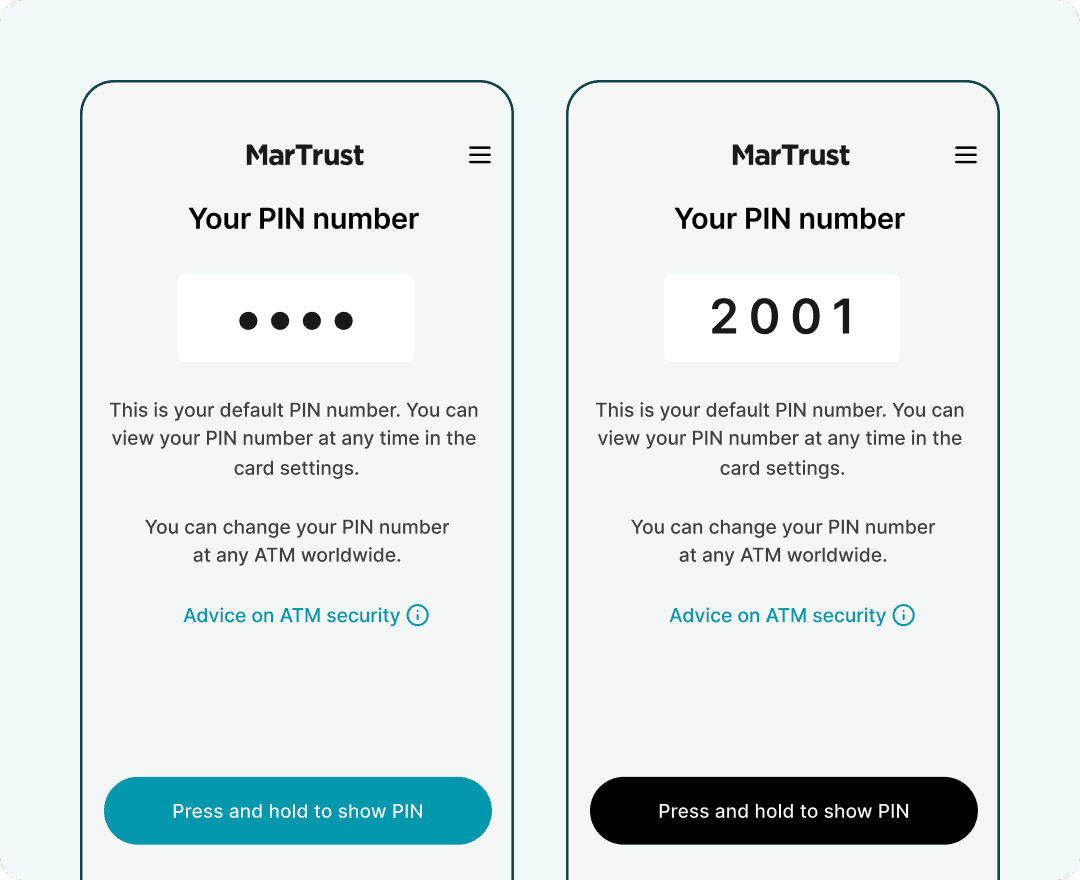
查看您的卡片个人识别码 (PIN)
如需查看您的卡片密码,请按住“按住以显示密码”按钮。出于安全考虑,默认情况下您的密码将被隐藏。在显示密码前,请确保身边无人能看到您的屏幕。
您可以根据任何自动取款机(ATM)屏幕上的说明,在任一 ATM 上更改您的卡片密码。
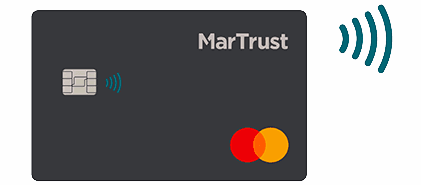
实现无接触式支付
您可以使用 MarTrust 万事达借记卡在支持该技术的商户进行感应式快捷支付。若要启用感应支付功能,您必须先通过插卡并输入密码(Chip and PIN)完成首次交易。
若要完成插卡和密码交易,请将您的卡片插入终端机,按照屏幕提示输入您的个人识别码(PIN),待支付处理完毕后取出卡片即可。